
Google Meet
Secure video meetings for up to 500 participants — in the browser, with no installs.
- Live captions and translation
- Breakout rooms and polls
- Meeting recording to Drive
 Google Meet
Business video conferences
Google Workspace's AI-powered video conferencing solutions provide scalability, flexibility and security for every business.
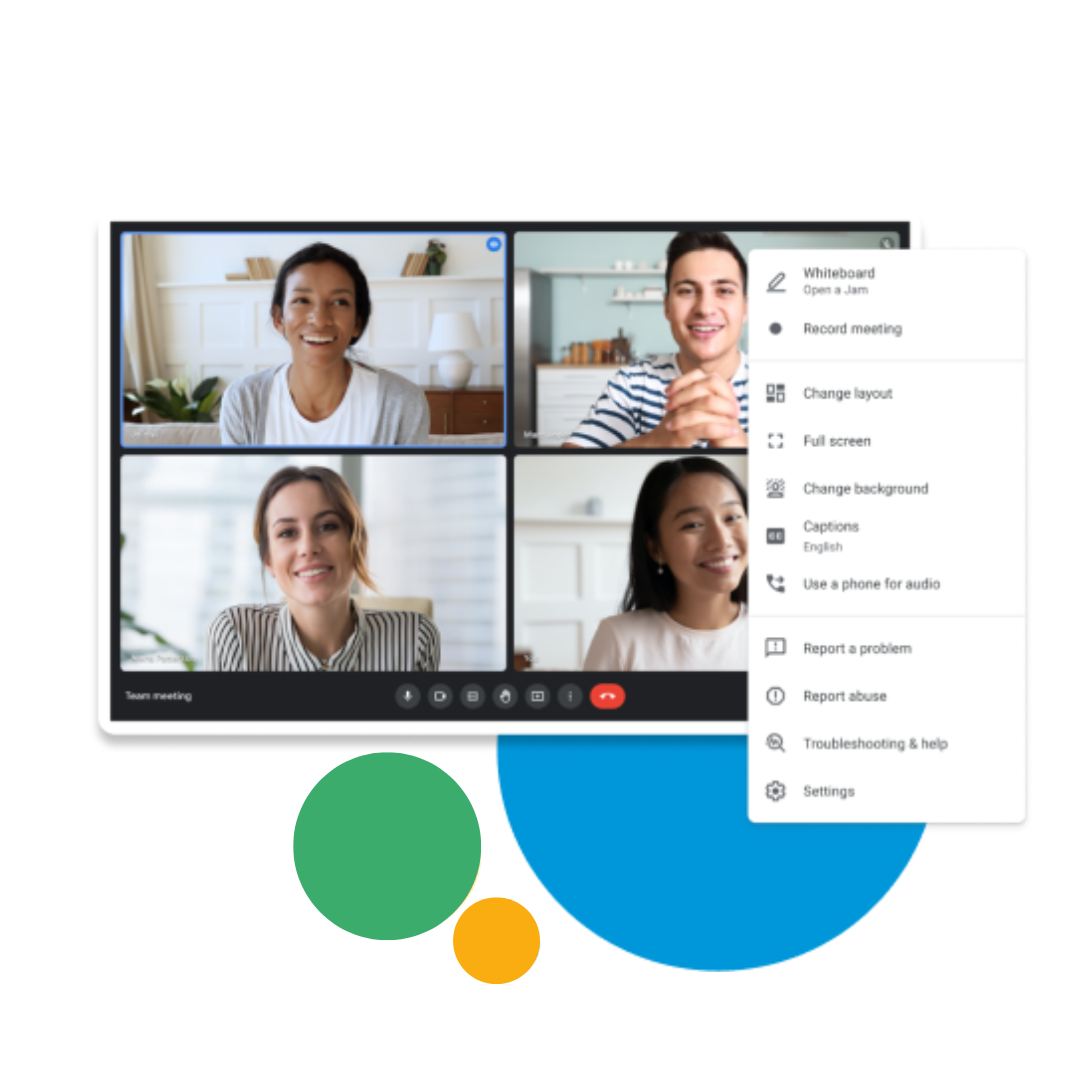
Business meetings with Google Workspace
Google Workspace equips popular applications such as Google Meet with premium features to meet the needs of businesses.

_AI-powered video conferences:_
Gemini in Meet takes notes automatically, translates conversations in real time, and improves image and sound quality so you can fully concentrate on the conversation.
Full participation in hybrid meetings:
You can easily collaborate with teams of any size, from any device, whether working from home, the office or elsewhere.

Security and privacy:
For secure meetings, advanced host controls, abuse protection and default encryption are available.

Easy to use and enterprise-ready:
Meet's enterprise-grade video conferencing makes it possible to reduce subscription costs and simplify management in the Google Workspace Admin console.
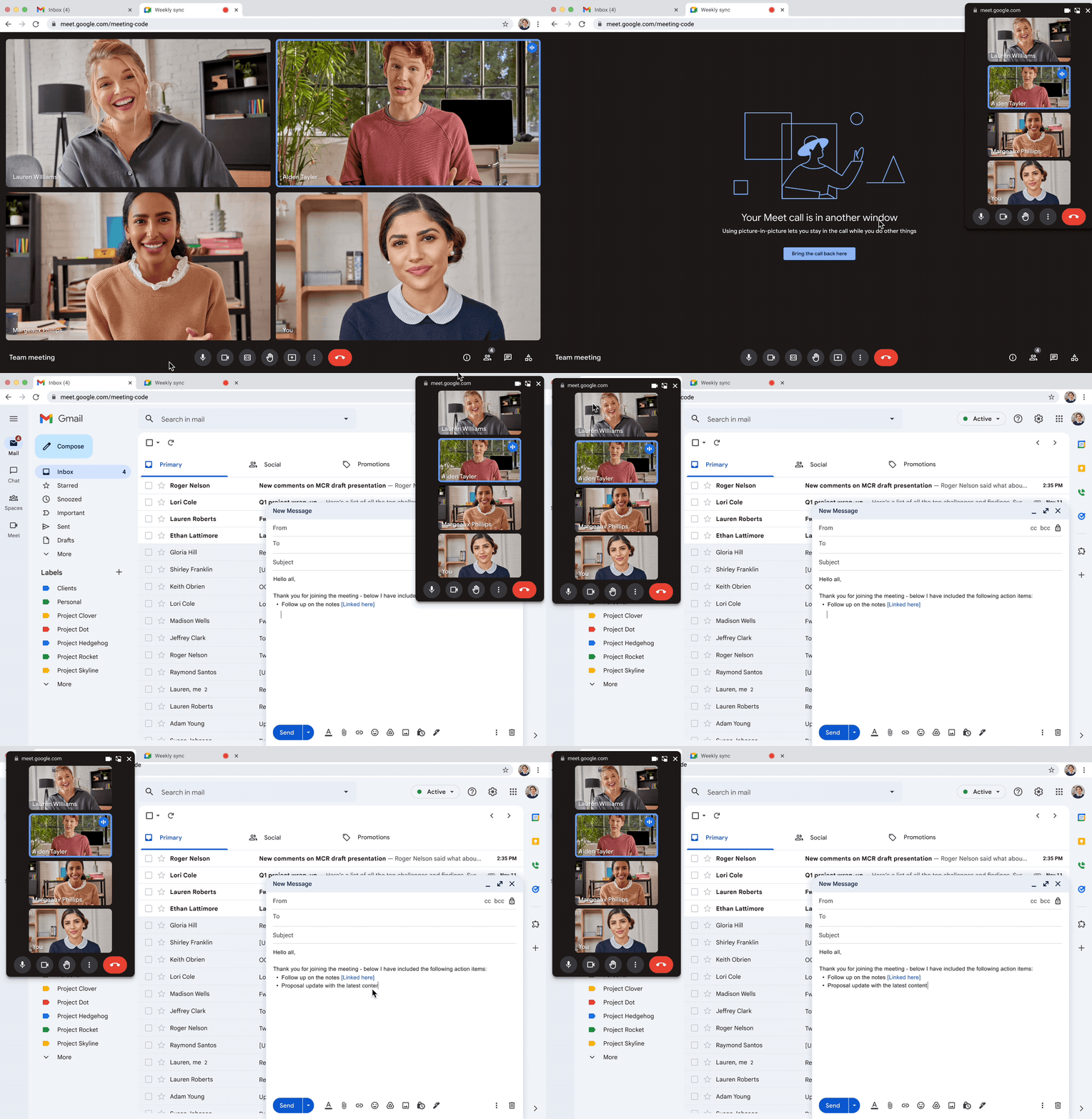
An effective and flexible platform made even stronger by apps and integrations.
Google Meet
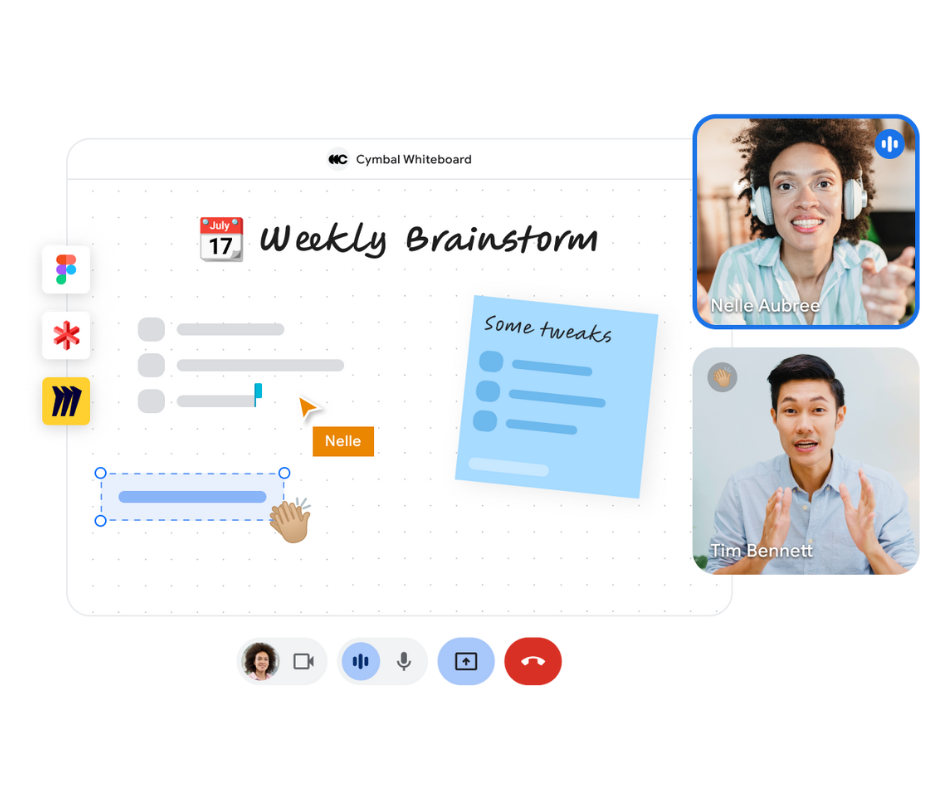
Collaboration and whiteboarding with your team in Google Meet
Boost collaboration during meetings with third-party tools such as Figma, LucidSpark, Miro and other whiteboard applications.
Google Meet
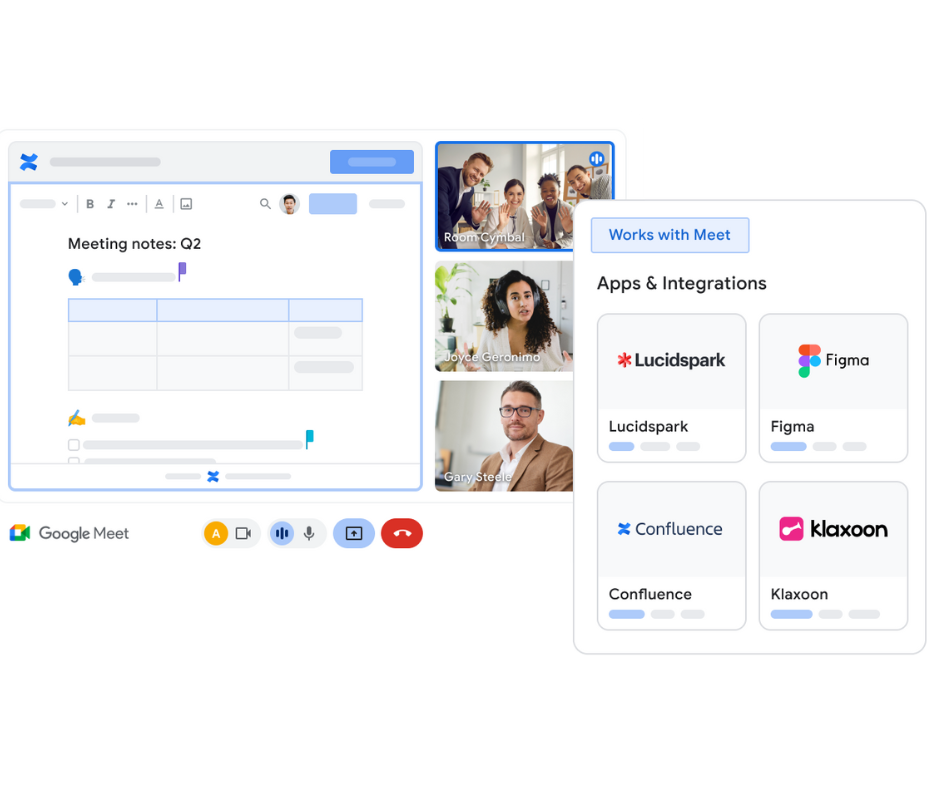
Integrating apps and workflows with Google Meet APIs and SDKs
Develop applications and integrations that allow users to improve interaction and connection with the Google Meet APIs, the embed SDK and the add-on SDK.
Frequently Asked Questions
What are the benefits of using Google Meet for businesses?
Google Meet is a secure and easy-to-use video calling and meeting solution that is ideal for businesses of any size. Google Meet is built on flexibility, helpfulness, collaboration and security. It offers many features such as full HD video quality, noise cancellation and live captioning. In addition, virtual backgrounds, polls, breakout rooms, moderation controls, chat and Q&A features are also available for engaging meeting experiences. Meet allows recording, participation of up to 1,000 attendees and meetings of up to 24 hours. Furthermore, live streaming to up to 100,000 viewers is possible, and thanks to the Brandlive partnership, customized events and webinars are also supported.
As part of a Google Workspace licence, Meet contributes to cost reduction by eliminating the need to purchase a separate conferencing platform licence, which results in less IT management and a better security posture.
How can businesses get started with Google Meet?
To start using Google Meet, businesses need to sign up for Google Workspace. Users can access Google Meet through the web interface, or download an iOS or Android app. Google provides support and resources to businesses to help them integrate Google Meet and make the most of it for their teams.
How does AI improve Google Meet?
Meet works with the Gemini for Workspace service to make meetings less tiring and more meaningful. Gemini's features available in Meet include:
- Studio-quality look, sound and lighting: Enhances the audio and video experience in Meet.
- Generative background: Allows you to create custom background images that reflect your creativity and personality.
- Translated captions: Helps bridge language barriers.
- Upcoming feature: The "Take notes for me" option helps record meeting notes and action items.
The Gemini for Workspace add-on is required to use these features.
Is Google Meet safe for business use?
Yes, Google Meet has enterprise-grade security measures and privacy solutions. The application provides encryption for both data at rest and in transit. In addition, it offers access management, privacy measures, compliance controls and abuse protection. Meet runs on Google's secure and reliable cloud infrastructure and applies strict procedures to prevent, detect and handle incidents to ensure the protection of users and data.
How does Google Meet integrate with other Google Workspace applications?
Google Meet integrates closely with other Google Workspace applications, allowing meetings to be scheduled directly and joined from Google Calendar and Gmail. It provides real-time collaboration with Google Docs, Sheets and Slides during calls, and stores meeting recordings on Google Drive.
Is Google Meet available on multiple devices?
Yes, Google Meet is designed for flexibility and accessibility. Users can access Google Meet on desktops, laptops, smartphones, tablets and room-based video conferencing devices, ensuring that teams can stay connected and collaborate from anywhere, at any time.
Can external applications or services be integrated into Google Meet?
Yes, Google provides APIs and developer tools that allow third-party applications to connect to Meet. This includes the integration of scheduling, project management, whiteboard tools and more. The Google Workspace Marketplace offers various add-ons and applications that can be used in the Meet service.
What hardware can I use with Google Meet for video conferencing?
Google Meet offers a comprehensive selection of Meet-certified video conferencing devices and peripherals for building conference rooms of any size and budget. The portfolio includes room kits so you can customize your meeting room, and provides all the collaboration tools for quick and easy setup of personal and team project spaces.

Getting started with Google Meet
Google Meet is what teams need to stay connected and collaborate from anywhere. Continue
Let's plan your move to smarter work
Tell us about your team and goals. A Google Workspace specialist will get back to you.