

Docs, Sheets & Slides
Real-time collaborative documents, spreadsheets and presentations — no more version chaos.
- Real-time co-editing and comments
- Works with Office files
- AI assistance with Gemini
 Docs
Online documents built for collaboration
AI-based solutions that make content creation and collaboration easier for you and your team.
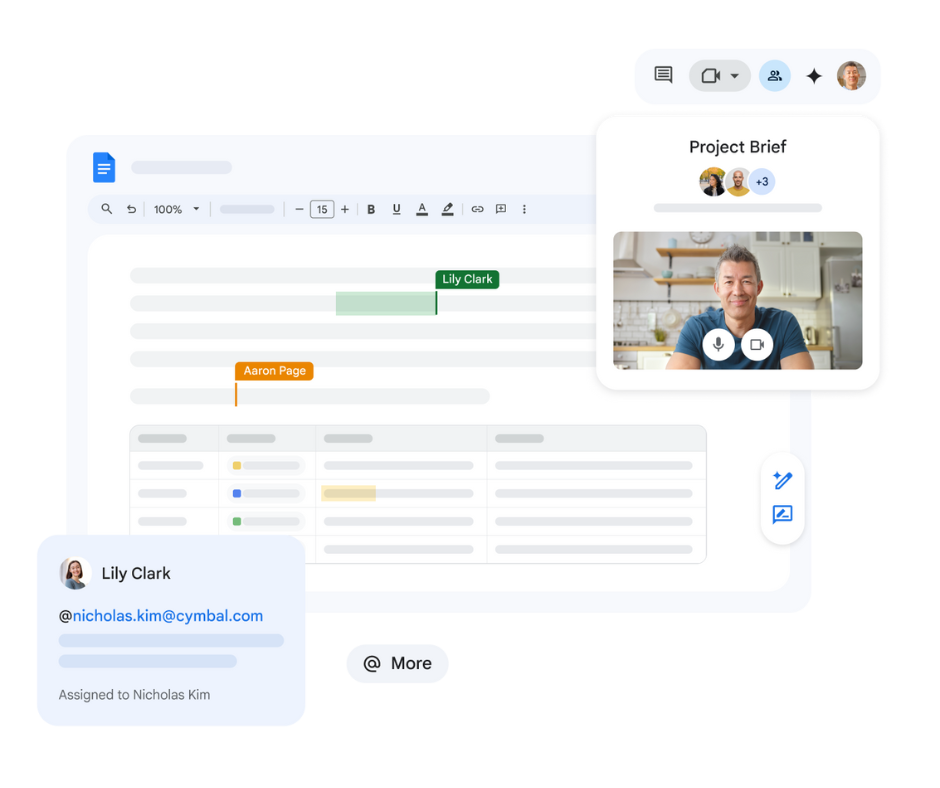
Boost your efficiency with Gemini in Docs
Create professional-quality documents with a few simple instructions, and get help perfecting your content. See the latest summary of your work and refine your documents by asking questions. **_Try Gemini for Google Workspace today!_**
Document creation made simple
You don't have to start everything from scratch — with templates and building blocks you can give your documents a professional look right away.
Google Docs
More efficient document creation with the smart canvas
- Easily create data-rich, well-structured documents.
Write without page breaks in pageless format.
Document tabs help you store content in an organized way.
Projects, plans or reports can be managed on separate tabs, so every part stays in one place — you can navigate your documents simply and transparently.
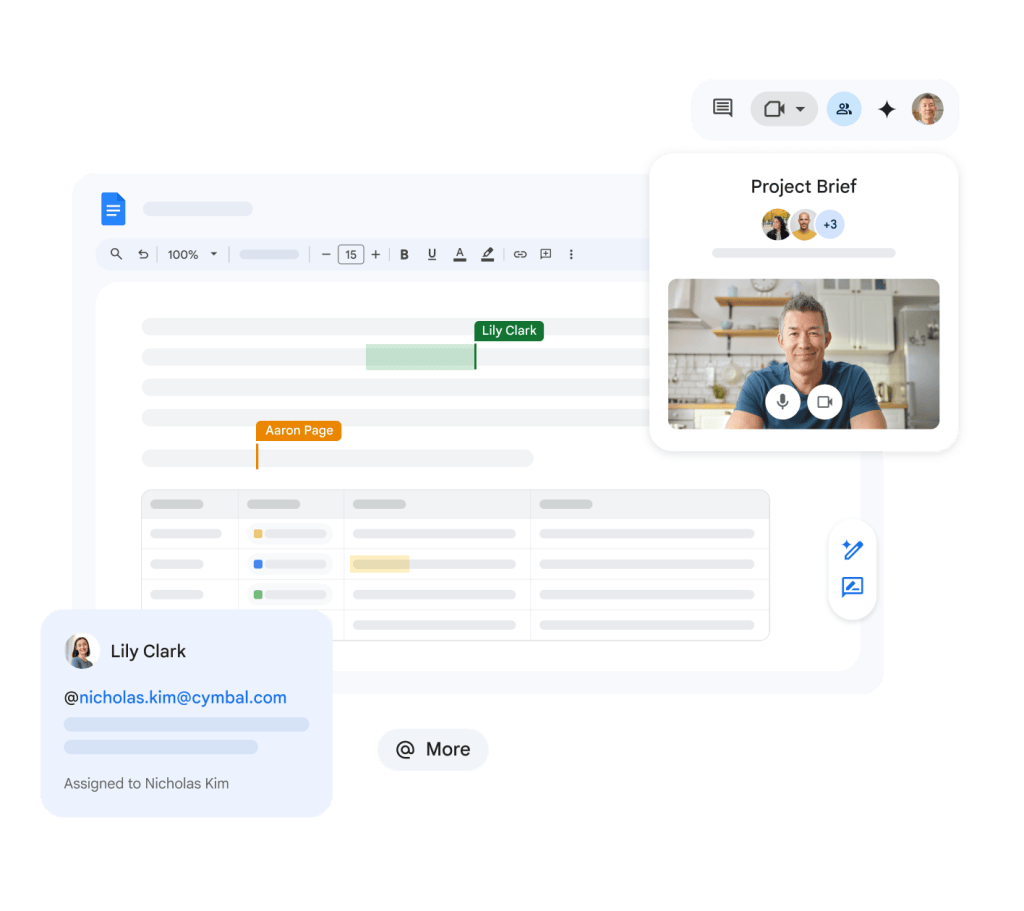
Work together on documents from anywhere, at any time
Stay up to date with the changes and comments of internal and external teams — whether from a phone, tablet or web browser.
Google Docs
Meetings directly within documents
Google Docs, Sheets and Slides allow collaborators to hold meetings in the right context.
Flexible access and control
Efficiently control and manage changes.
Easily regulate access to documents.
Collaborate with your partners and make important decisions — all in one place.
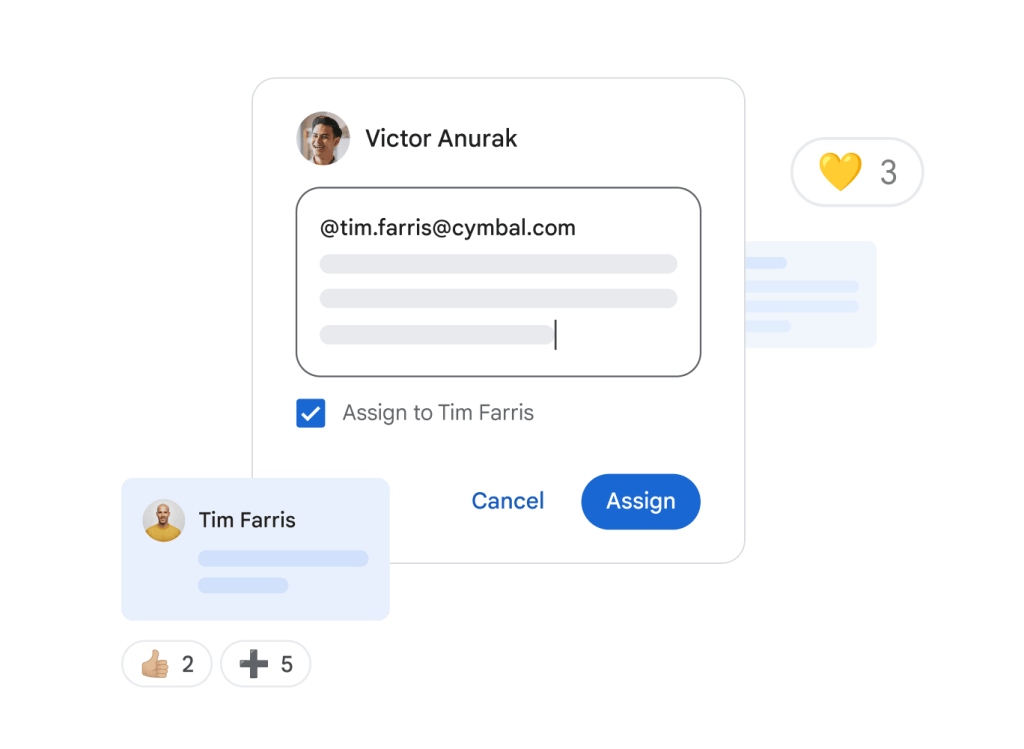
Google Docs
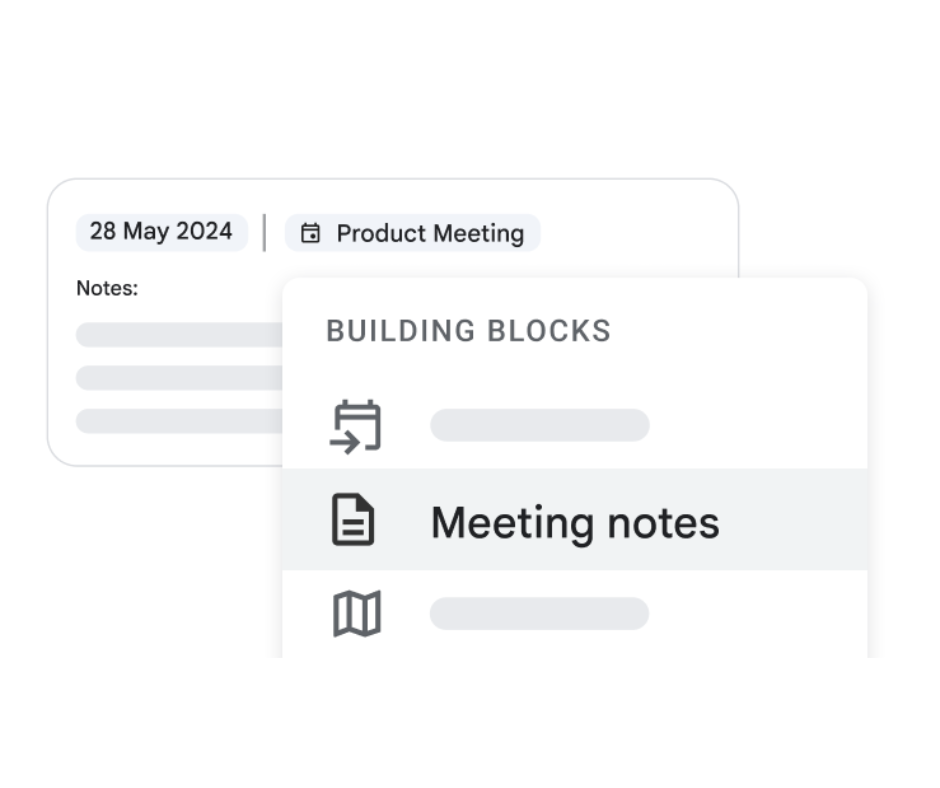
Simple and fast meeting notes
Create well-structured, thoughtful notes directly in Google Calendar events with the "Meeting notes" building block in Docs.
Google Docs
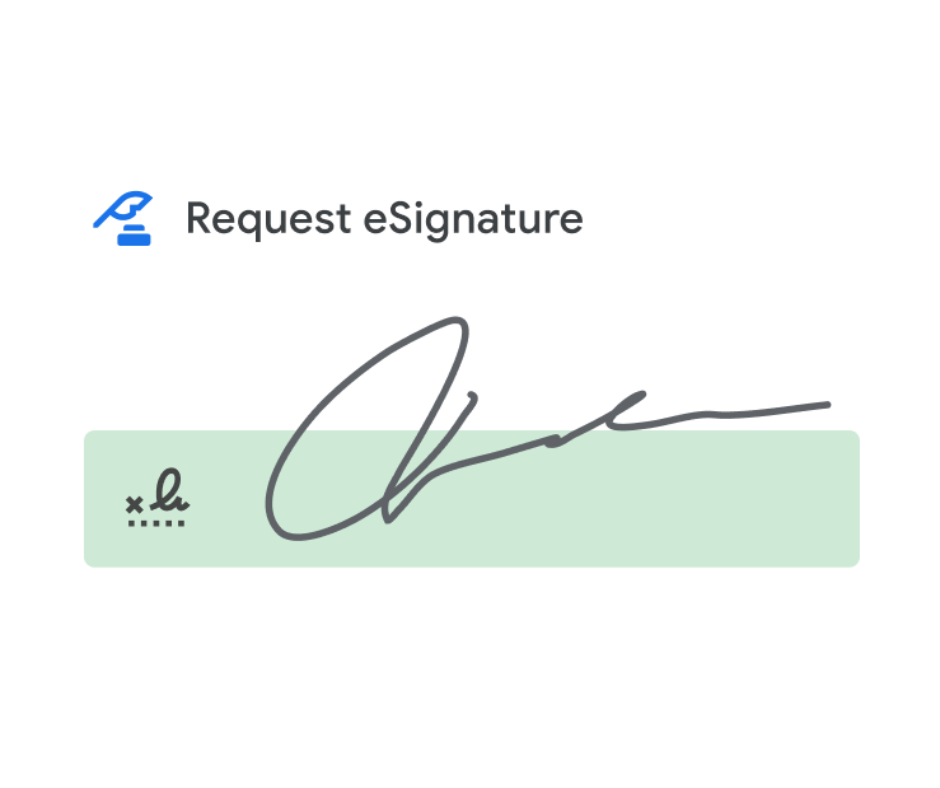
Simplify workflows with electronic signatures
In eligible Workspace editions and Google Workspace Individual, the eSignature feature in Docs lets you prepare contracts, request signatures and manage contract templates in one place.
Google Docs
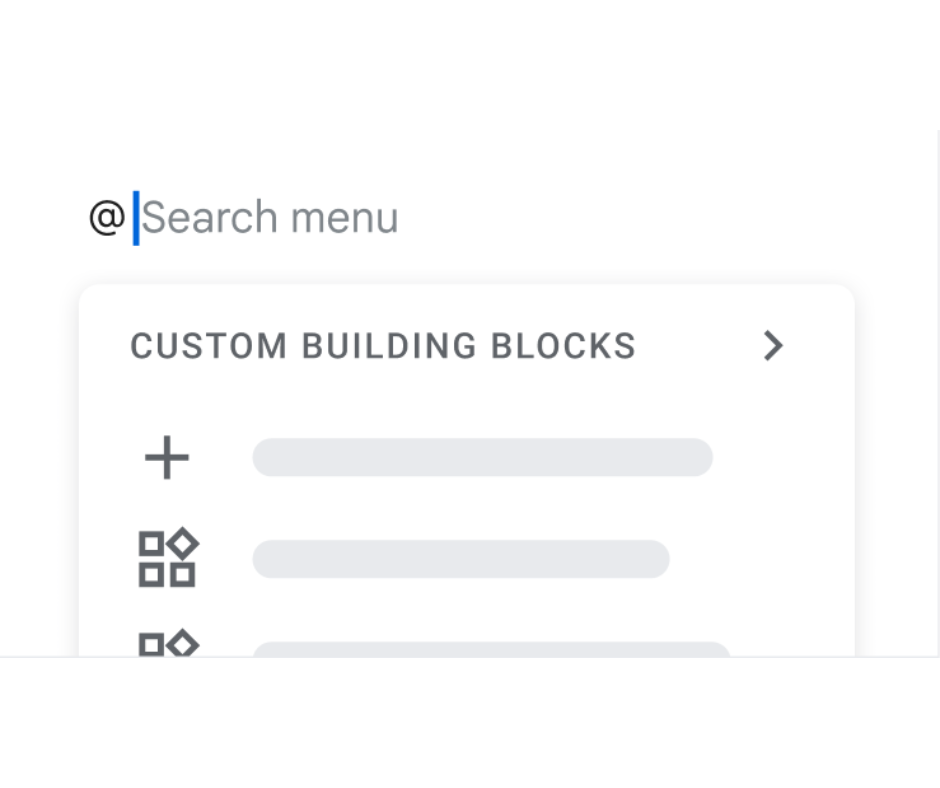
Save time by quickly inserting frequently used content
Create custom building blocks for recurring text segments such as introductions, signatures or addresses. Just type an "@" sign and simply insert the content you want without having to copy it over and over.
Google Docs
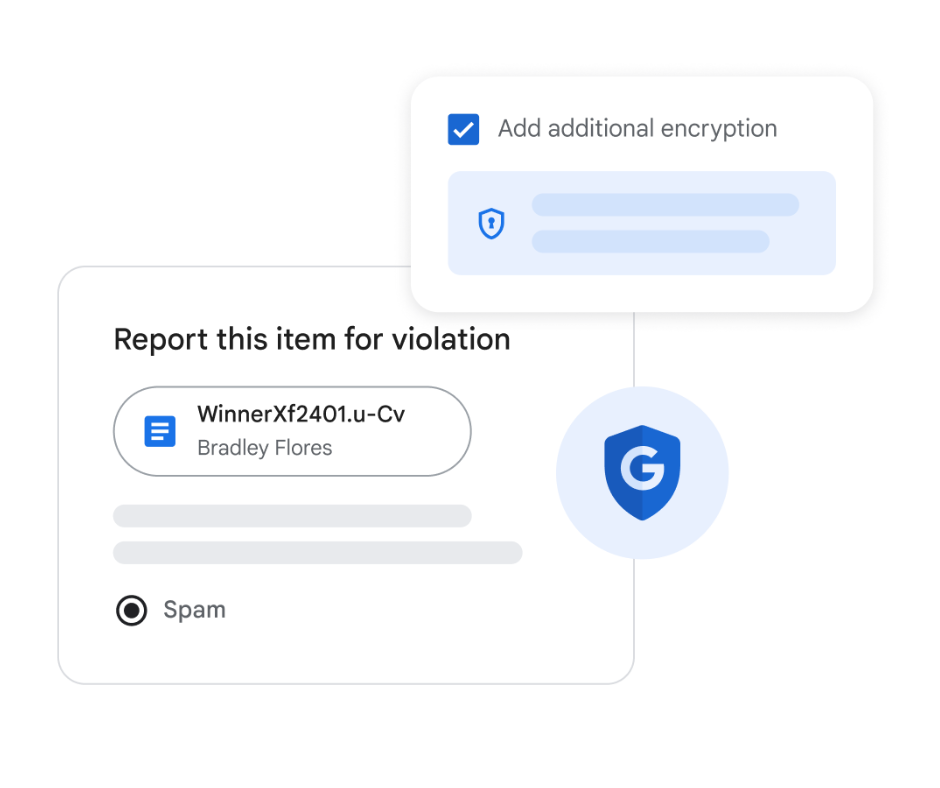
Security above all
Your data is encrypted in transit and at rest by default. Abuse protection and privacy settings help protect it; client-side encryption requires an eligible edition and administrator configuration.
Google Docs
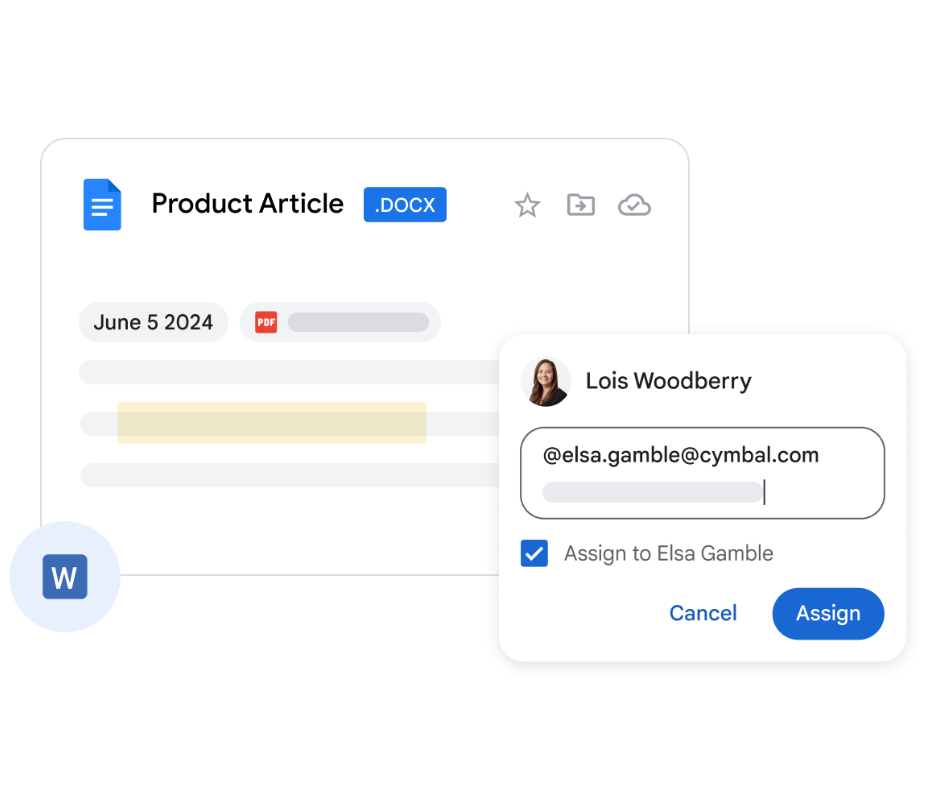
Advanced editing options for common file types in Docs
Edit Microsoft Word files in their original Office format or convert them to Google Docs. PDFs can be converted through Drive, subject to formatting limitations; this is not native PDF editing. Supported documents offer collaboration features such as comments and action items.
 Creating and perfecting content collaboratively with Google Docs
Curious about Google Docs?
FAQ
See the answers to frequently asked questions for more detailed information.
How much does Google Docs cost?
Anyone with a Google account can use Docs.
Features such as Meet integration and Gemini for Workspace depend on an eligible Workspace edition and administrator settings — see plans and pricing for organizations.
Can other types of documents be converted to Google Docs?
You can convert Microsoft Word documents to Google Docs format, but you can also edit Word documents directly, without creating a copy. Editing in Office format updates the original Word file; conversion creates a Google Docs copy.
How does co-editing work?
Co-editing means that several people work on the same document at the same time, without having to send versions back and forth. With sharing settings you can control who can view or edit a document, and with version history you can restore previous versions. You can also co-edit in Google Sheets and Slides.
Let's plan your move to smarter work
Tell us about your team and goals. A Google Workspace specialist will get back to you.