Homograafaanvallen: hoe beschermt Google u tegen misleidende webadressen?
Gepubliceerd: 2025-05-10
Dit artikel is nog niet volledig vertaald in deze taal — hieronder staat de Engelse versie.
Avoiding phishing
Homograph attacks and the hidden dangers of Cyrillic letters
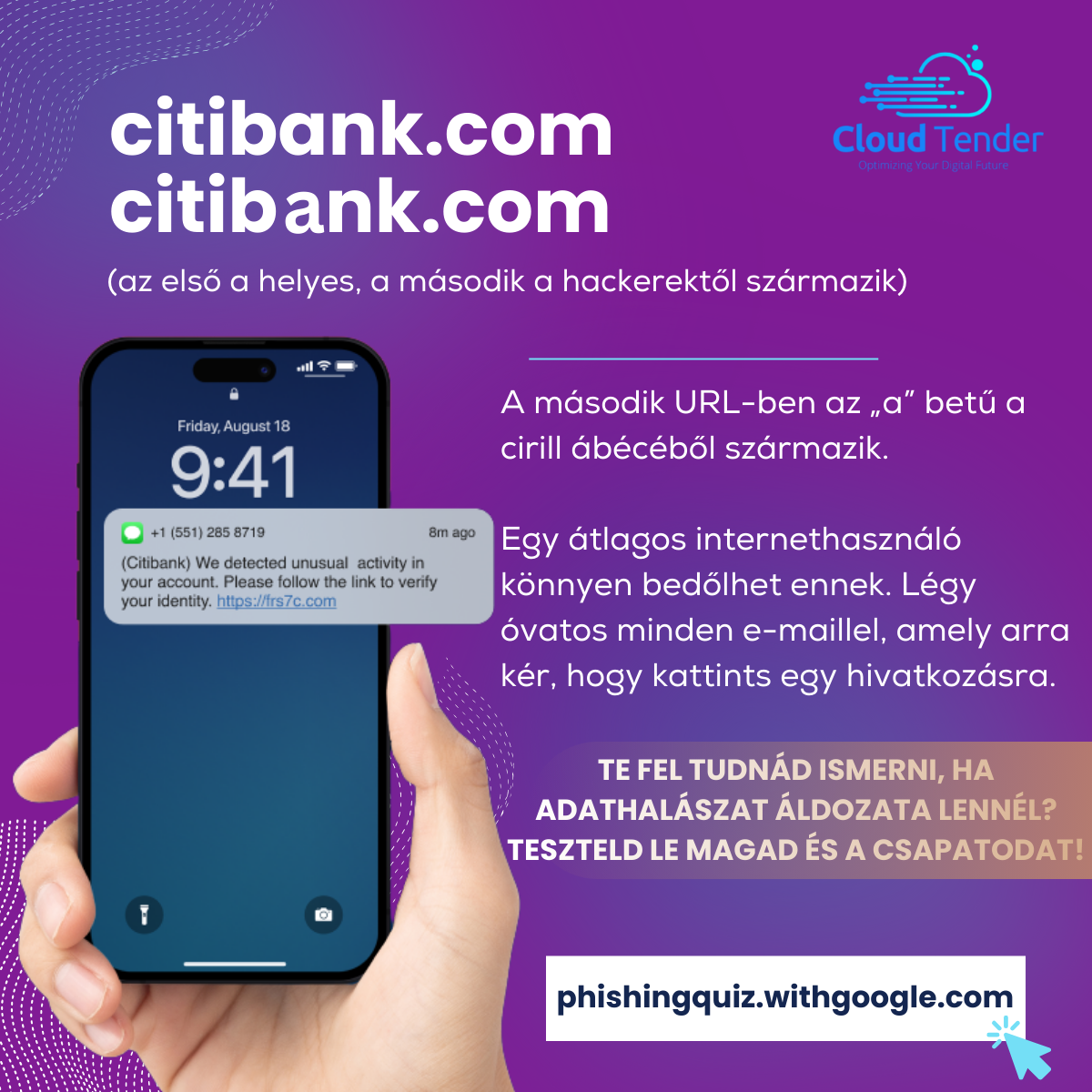
We live in the golden age of digitalization, where a single character can make a huge difference — especially when that character is a Cyrillic “а”, which looks deceptively similar to the Latin “a”. This is not merely a linguistic curiosity, but an increasingly widespread cyberattack method that both users and companies need to watch out for. Fortunately, technology giants, including Google, play a key role in defense.
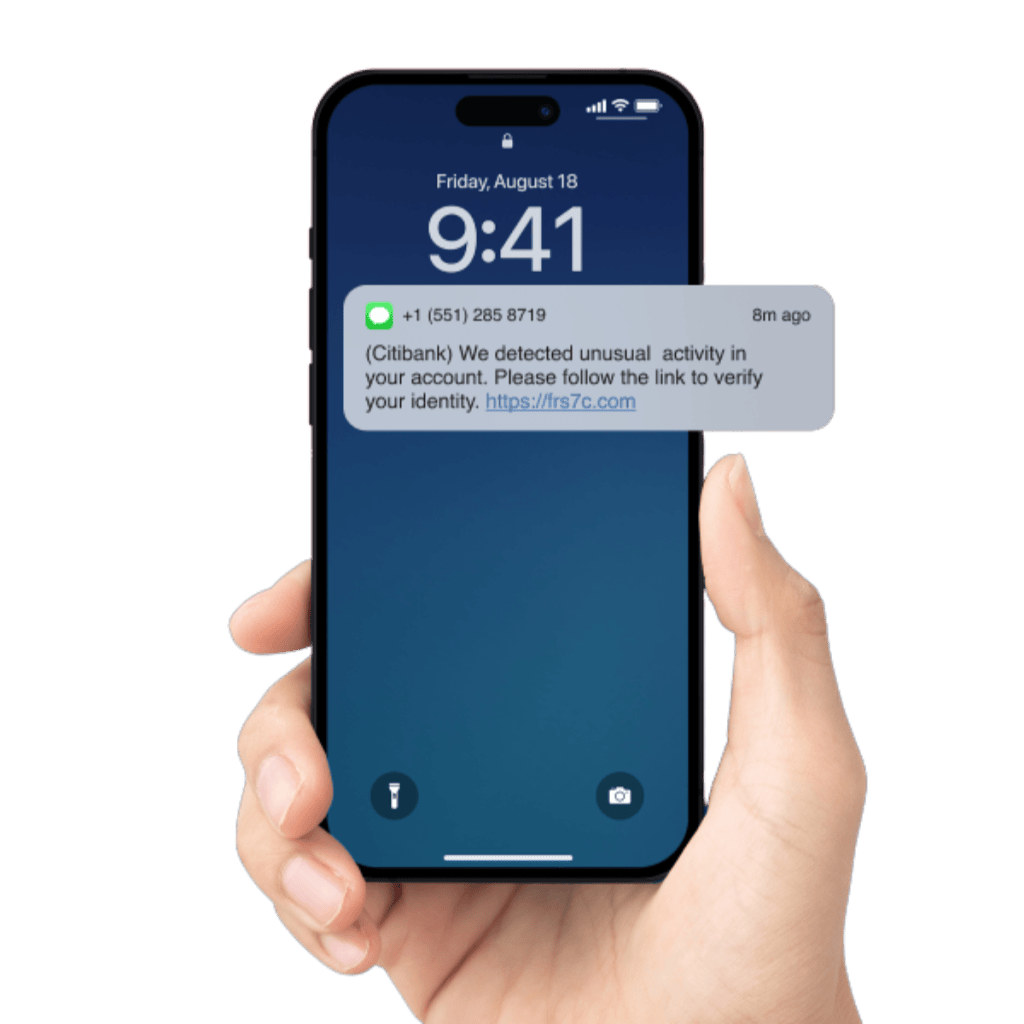
What exactly is a homograph attack?
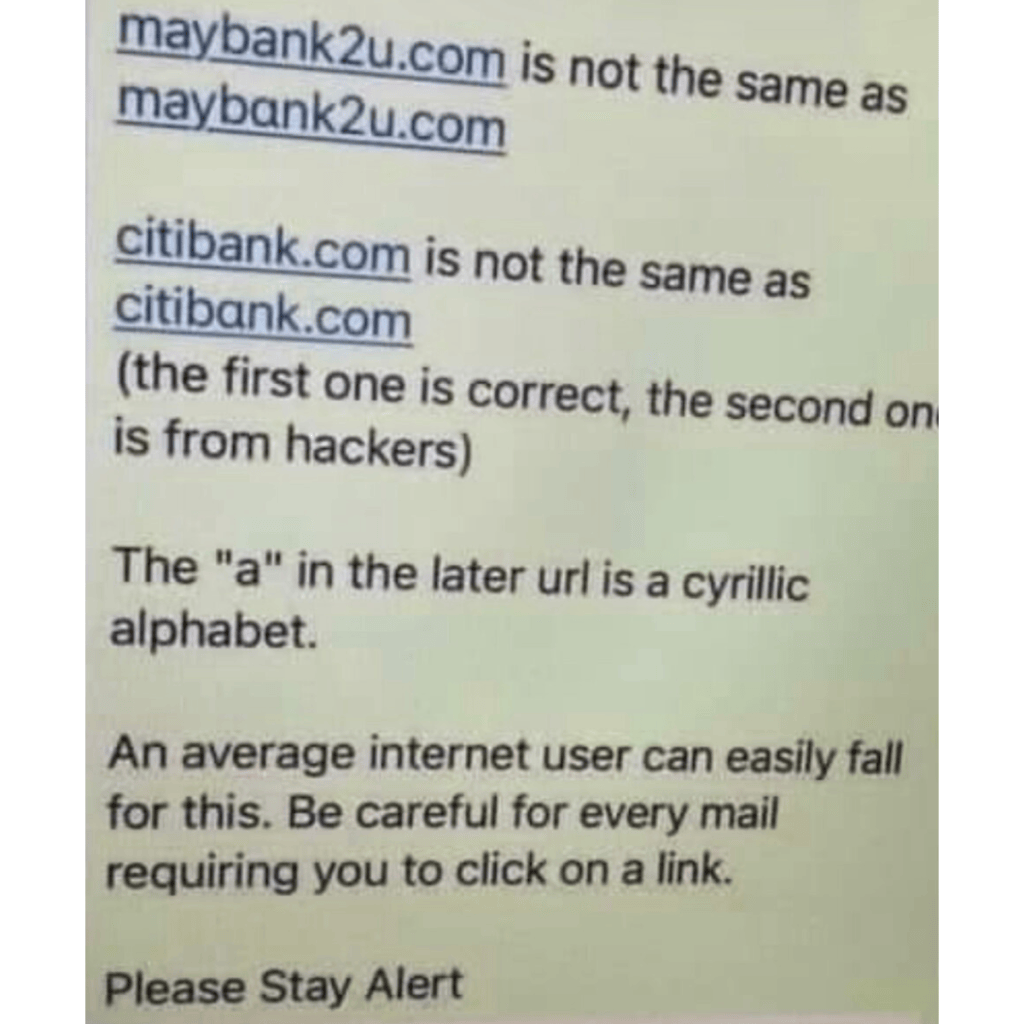
The essence of a homograph attack is that the attacker uses visually similar but technically different characters — for example letters from the Cyrillic alphabet — to create deceptive web addresses. For instance, “apple.com” can easily become “аррle.com” (with two Cyrillic “р” letters), which a user cannot distinguish from the original at first glance. ( Wikipedia – IDN homograph attack).
This can be especially dangerous during phishing attacks, when users are lured to fake pages to enter their passwords, banking details or other sensitive information.
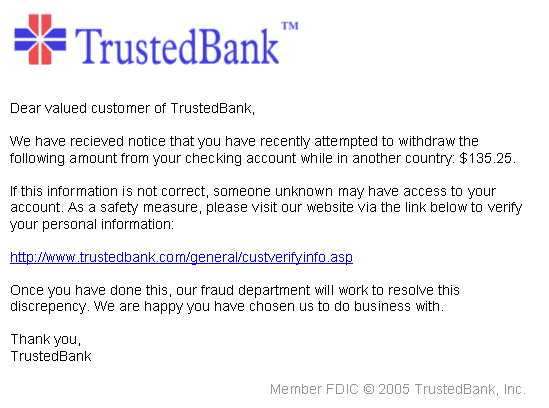
Why is it hard to notice?
The Unicode standard allows characters from different writing systems to coexist in the same digital space. This is technologically useful, for example for ensuring multilingualism, but it also puts a tool in the hands of cybercriminals.
A Cyrillic “е” and a Latin “e”, for example, look identical in most fonts, yet they are based on different codes, so a computer, browser or email filter does not necessarily treat them the same way.
Google's role in defense
The good news is that we are not alone. Google, which is one of the most important gateways to the internet, has taken serious steps to push back homograph attacks:
Education and transparency: Google regularly publishes blogs and informational materials for users about safe internet use ( Google Security Blog).
Chrome browser protection: Google Chrome has been monitoring mixed writing systems in URLs for years, and displays a warning when it detects a suspicious domain name. The Chromium project has also published detailed documentation about this ( Chromium Lookalike Domains).
Google Safe Browsing: This technology checks billions of web pages every day and automatically blocks those that indicate phishing or malware distribution — including deceptive URLs ( Google Safe Browsing Help).
Use of artificial intelligence: Google applies advanced AI models to analyze URLs and content. These can recognize suspicious character usage and behavioral patterns, and can even automatically block content that indicates a homograph attack.
What can we do ourselves?
Always check the web address, especially when it comes to important sites (bank, email, social media). Even a single character can be suspicious.
Use a trusted browser, such as Google Chrome, which actively warns about dangerous domain names.
Use two-factor authentication (2FA), so that even in the event of a password theft there is an extra line of defense.
Avoid clicking links from unknown sources, especially in email or social media.
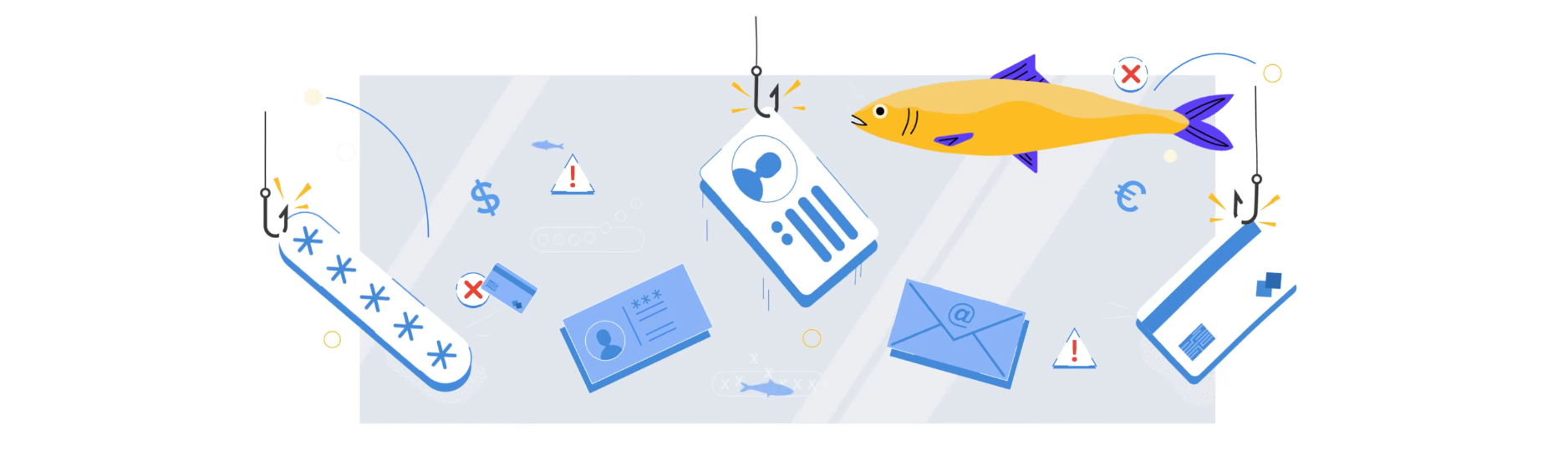
Would you recognize it if you became a victim of phishing?
Test yourself and your team with the Phishing Quiz.
 Free 30-day trial
Fight back against spam and take back control of your inbox!
You are one step away from a spam-free mailbox.