Zvýšenie cien
Publikované: 2022-06-23

Tento článok zatiaľ nie je plne preložený do tohto jazyka — nižšie je anglická verzia.

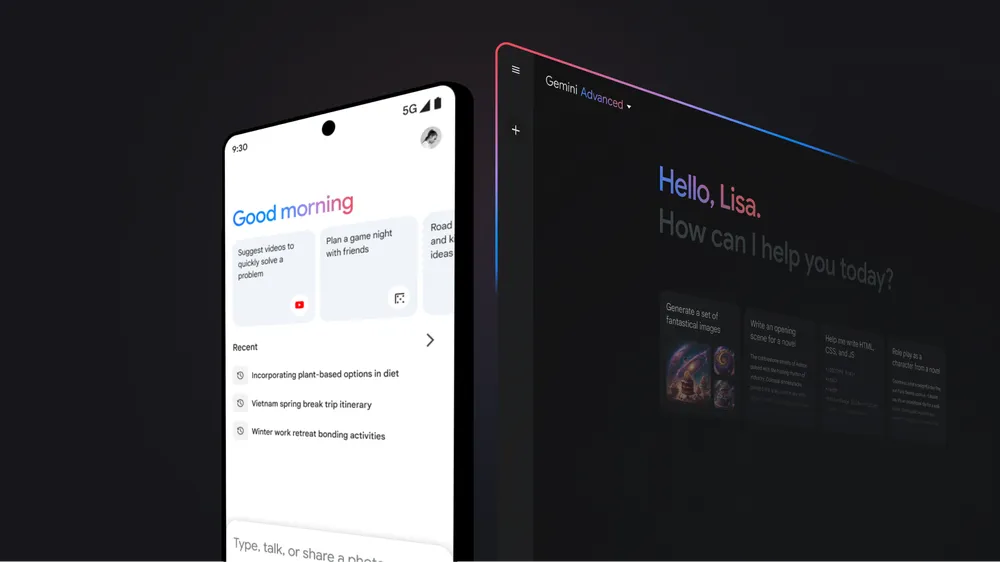
From January 16, 2025, Google Workspace business plans include Gemini AI features
At the same time, subscription prices have also increased
The new prices apply to new customers from January 16, 2025. For existing subscribers, the price changes take effect from March 17, 2025, or upon renewal of annual subscriptions.
It is important to note that the price changes do not affect the subscriptions of educational and non-profit organizations, nor the Frontline, Essentials, Enterprise Essentials and Workspace Individual plans.
Flexible plans (monthly subscription):
Business Starter:
Increases from € 6.90 to € 8.10 per user.
Business Standard:
Increases from € 13.80 to € 16.20 per user.
Business Plus:
Increases from € 20.70 to € 25.30 per user.
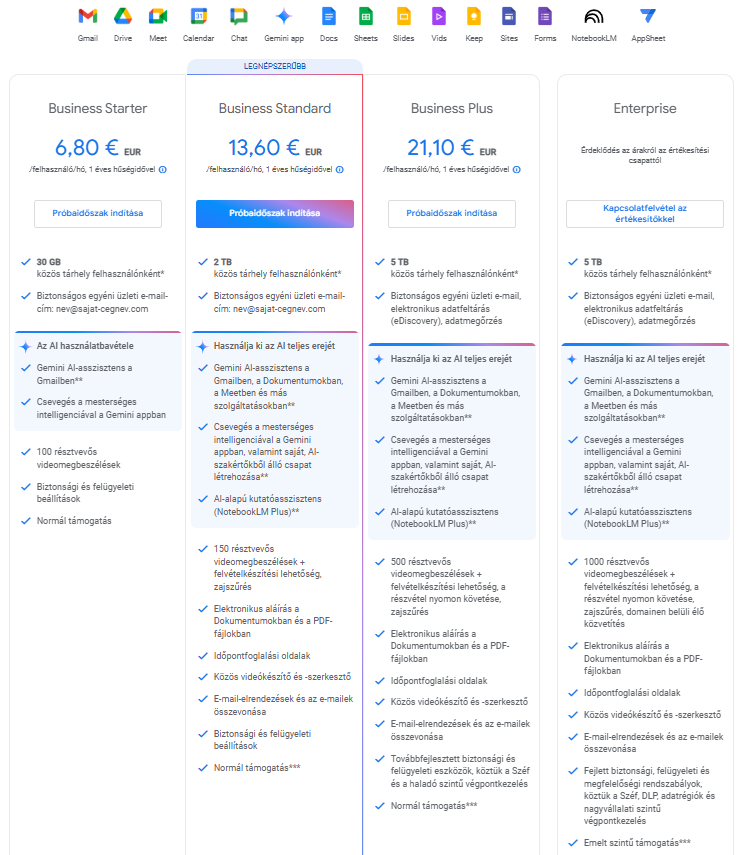
Annual/Fixed-term plans:
Business Starter:
Increases from €5.75 to € 6.80 per user
Business Standard:
Increases from € 11.50 to € 13.60 per user.
Business Plus:
Increases from € 17.25 to € 21.10 per user.
Would you like to know how we can help reduce the costs caused by the price increase?
Fill out our contact form and our Google Workspace specialist will get in touch with you within a few hours.
Google's goal is to increase productivity and innovation among users by making AI features more widely available.
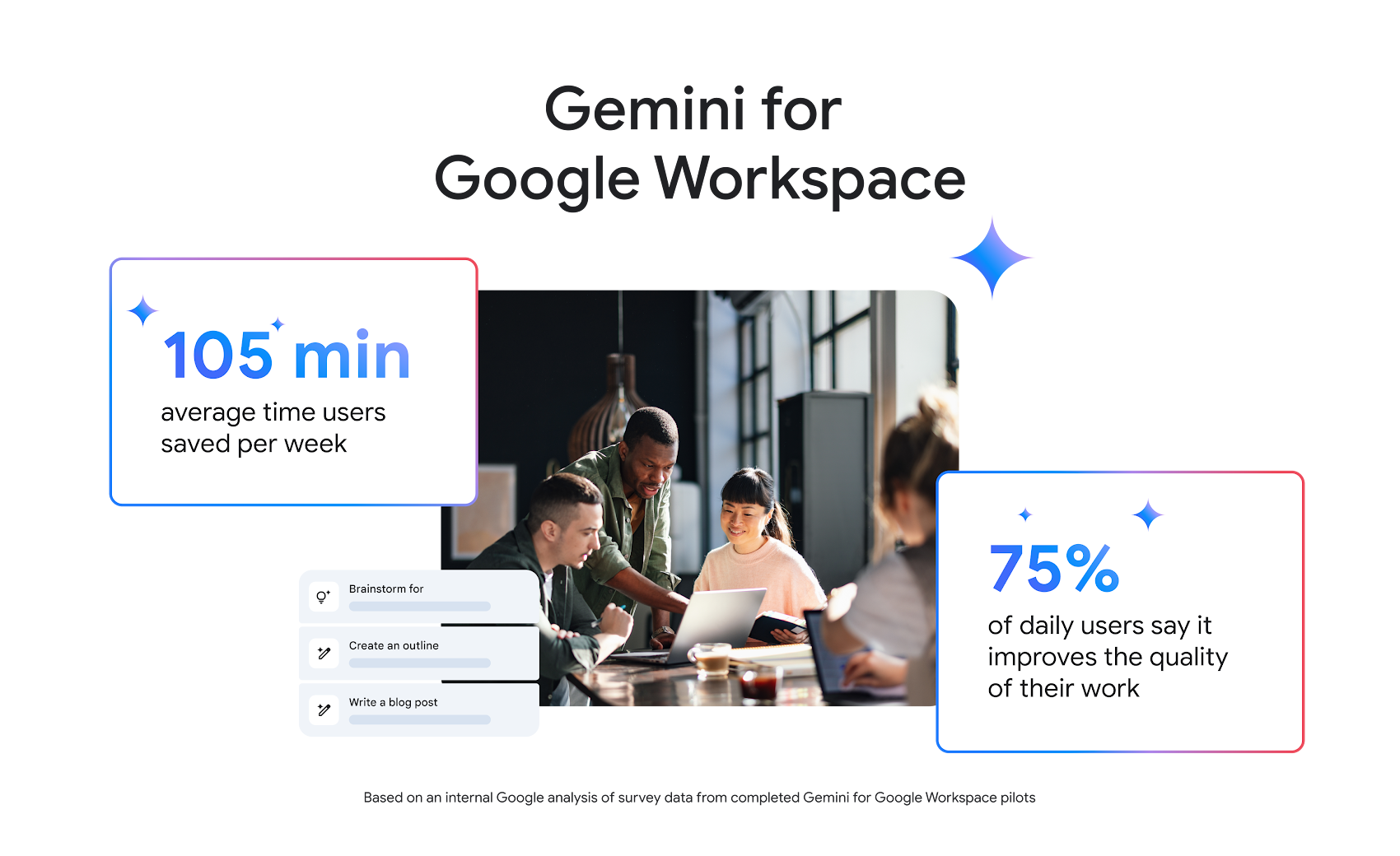
The Gemini AI features, which were previously tied to a separate subscription, are now available in every business plan, including email summarization in Gmail, document analysis in Docs, spreadsheet summarization in Sheets, and Meet's automatic note-taking feature.
The Gemini AI features, which were previously tied to a separate subscription, are now available in every business plan, including email summarization in Gmail, document analysis in Docs, spreadsheet summarization in Sheets, and Meet's automatic note-taking feature.
Google's goal is to increase productivity and innovation among users by making AI features more widely available.
January 16, 2025
FAQ
Find the answers you are looking for by browsing our frequently asked questions.
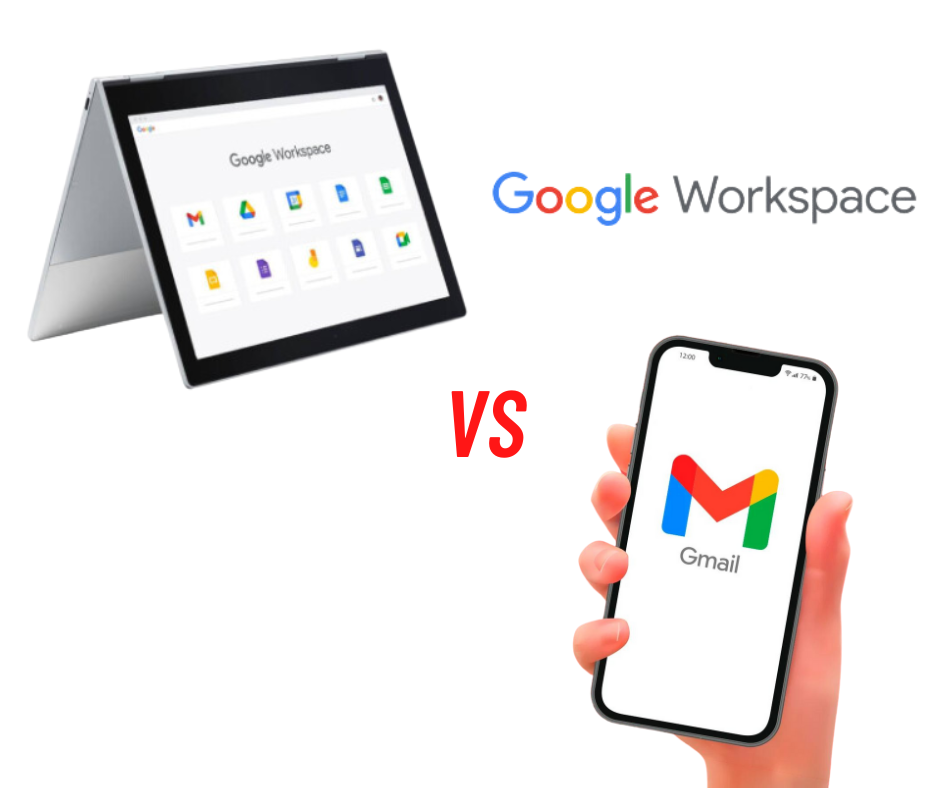
How does Google Workspace differ from free Gmail?
Google Workspace offers many features that are not available in the free version of Gmail. The most important differences are: more space on Google Drive, the ability to create email accounts on your own domain, a 99.9% guarantee of business email availability, advanced controls for accounts and connected mobile devices, security audits, alerts and reports.
What is an instance in Google Workspace (G Suite)?
Google Workspace instance – instances refer to the admin console, i.e. the place where you manage a given organization. You can manage multiple company domains in one instance.
What does a user mean in Google Workspace (G Suite)?
A user is a single email account. One user does not always mean one license, because licenses can also be purchased for operating devices, for example.
What is the difference between Google Workspace and Microsoft 365?
Google Workspace is a modern, fully cloud-based solution built specifically for online collaboration and flexibility. It offers powerful tools such as Gmail, Google Drive, Docs, Sheets and Meet, which enable real-time editing and simple teamwork.
In contrast, Microsoft 365 builds on desktop Office programs, with strong offline support but less dynamic online collaboration.
What applications does Google Workspace (G Suite) include?
The Google Workspace package includes all the applications needed for office work. The most popular are Gmail with a company domain, Docs, Sheets, Forms, Calendar, Drive, Google Meet and Chat, and Slides. In addition, the Google Workspace Marketplace offers hundreds of plugins and add-ons that can be integrated into Google's office tools.
Can I buy individual Google Workspace (G Suite) applications?
NO. Google Workspace is a package of integrated applications that work together. For example, messages arriving in Gmail can be saved as an event in Calendar with one click, and changes and comments made in Sheets, Docs or Slides files do not escape colleagues' attention either, because everyone receives an email notification. You can also create a Google Meet meeting in Calendar and notify the other participants. Working in the consistent ecosystem of Google Workspace applications ensures the best work efficiency.
How much storage does each Google Workspace (G Suite) user have?
In Google Workspace Business Starter, every user has 30 GB of disk space (twice as much as private Gmail accounts). Google Workspace Business Standard provides 2 TB per user, Business Plus 5 TB, and Enterprise plans provide unlimited space on Google Drive.
How does Google Workspace differ from Google Workspace for Education?
Google Workspace for Education is a special version of the package intended for schools and universities. The standard version of the package is aimed at companies and organizations.
Can I count on help with implementing the service?
Yes, the Cloud Tender expert team provides assistance with implementing the service and provides technical support to every Google Workspace user.
Will my data be safe?
Yes, the data stored in your Google Workspace account is completely safe. The security of the service is certified by numerous certificates, including ISO 27001, ISO 27017, ISO 27018, SOC 2/3, FedRAMP. If you have questions about data encryption in Google services, contact us. As a certified Google Partner, we have up-to-date knowledge about the protection of corporate data hosted on Google's infrastructure.
How much does Google Workspace (G Suite) cost?
The price of a business account in Google Workspace starts at 6.80 EUR per user (in the Google Workspace Business Starter service). A detailed price list of all packages can be found above.
What does licensing mean in a Google Workspace (G Suite) instance?
Creating an email account requires a license, which can be modified as needed under one license. For example, we can change the kovacs.andras@domain.hu email address to toth.andrea@domain.hu without adding a license.
What types of files can I upload to Drive?
You can upload files and media content in any format to Drive. Drive also makes it possible to convert uploaded files so that they can be opened in Google editors, such as Sheets, Docs and Slides.
Are Google Workspace (G Suite) applications compatible with other office programs?
When switching to Google Workspace, you can safely give up other office programs — all the operations you have done in them so far can also be done in Google Workspace. You don't have to worry that previously created files will become unusable. You can easily open documents with other extensions (e.g. .txt or .docx from Microsoft Office) to view them in Drive, or simply edit them after converting them to Google Workspace application files without losing their properties.
What does signing in to Google Workspace (G Suite) look like?
Users sign in to Google Workspace by email — with their email address and Gmail password.