Znovupřipojení Gmailu k Outlooku (2025) – Průvodce Google Workspace
Publikováno: 2025-03-29
Tento článek zatím není plně přeložen do tohoto jazyka — níže je anglická verze.
Guide: Reconnecting Gmail to Outlook after the 2025 Google Workspace changes
From January 2025, Google is ending support for less secure apps (LSA) for Google Workspace accounts. As a result, Outlook (and other third-party email clients) will no longer be able to access your Gmail account if they only connect with a username and password.
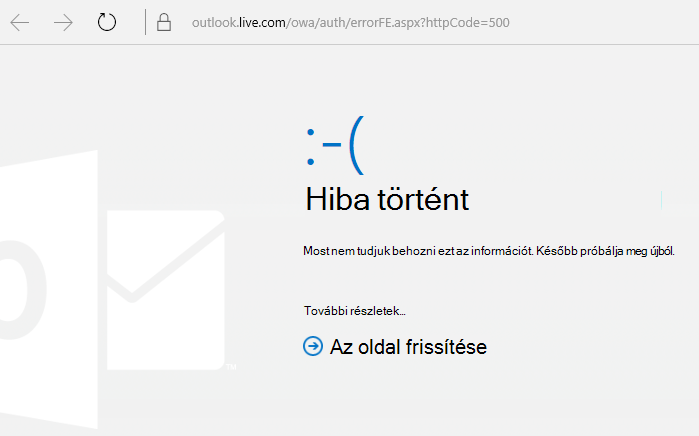
This means users may find that they cannot sign in to their Gmail account in Outlook.
Step-by-step solution:
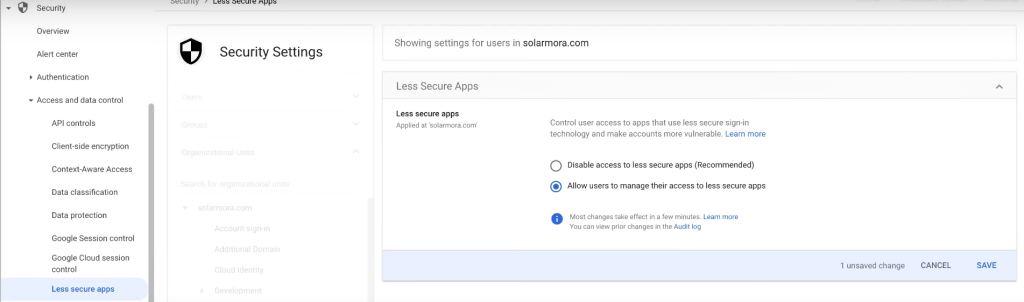
Step 1: Enabling Gmail access for Google Workspace administrators
If you are an administrator, please:
- Enable modern OAuth-based authentication (this replaces the less secure method).
- Check that the IMAP protocol is enabled for Gmail.
Guide:
Google Workspace Help: Manage less secure apps
Step 2: Re-adding the Gmail account in Outlook
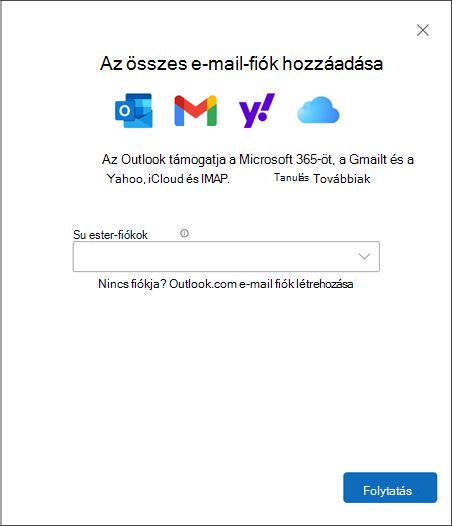
Users need to add their Gmail account to Outlook again, this time using OAuth:
Guide:
Microsoft: Add a Gmail account to Outlook
Steps in brief:
- Open Outlook.
- Remove the old Gmail account (if it does not work).
- Add the Gmail account again.
- In the Google sign-in window that appears, enter your credentials.
- Allow Outlook to access your account.
ℹ️ Important notes
The new setup only works with modern Outlook versions (Outlook 2016 or newer).
Accounts protected with two-step verification also no longer work with app passwords — only the new sign-in flow is supported.
If you run into any error or question during setup, feel free to contact us!
Already have an active Google Workspace subscription?
Get in touch with us and we will help you optimize your current costs.
For example, you can use 30 Business Starter licenses with no commitment period and 20 Business Standard licenses with a 12-month commitment period at the same time.